

The Tesla Model S is undoubtedly one of the most compelling, practical, and luxurious EV sedans in the market and an absolute joy to drive. However, adjusting certain car features such as mirrors, for instance, might take some getting used to.
In this article, I’ll take you through everything you need to know about adjusting your Tesla Model S’s mirrors to get the most out of their features. If you want to learn more about what your vehicle has to offer, keep on reading. Additionally, we’ll explore how to enhance your driving experience with the best audio settings for Tesla 3, ensuring you enjoy high-quality sound no matter where the road takes you. By fine-tuning your mirror adjustments and audio preferences, you can make every journey both comfortable and enjoyable. Don’t miss out on these essential tips to fully utilize your Tesla’s features. Moreover, if you’re a Tesla Model Y owner, consider exploring the tesla model y audio upgrade options available for a truly immersive listening experience. Upgrading your audio system can elevate your time on the road, making every drive feel like a concert. Pair this with the perfect mirror settings, and you’ll be well on your way to maximizing the potential of your Tesla.
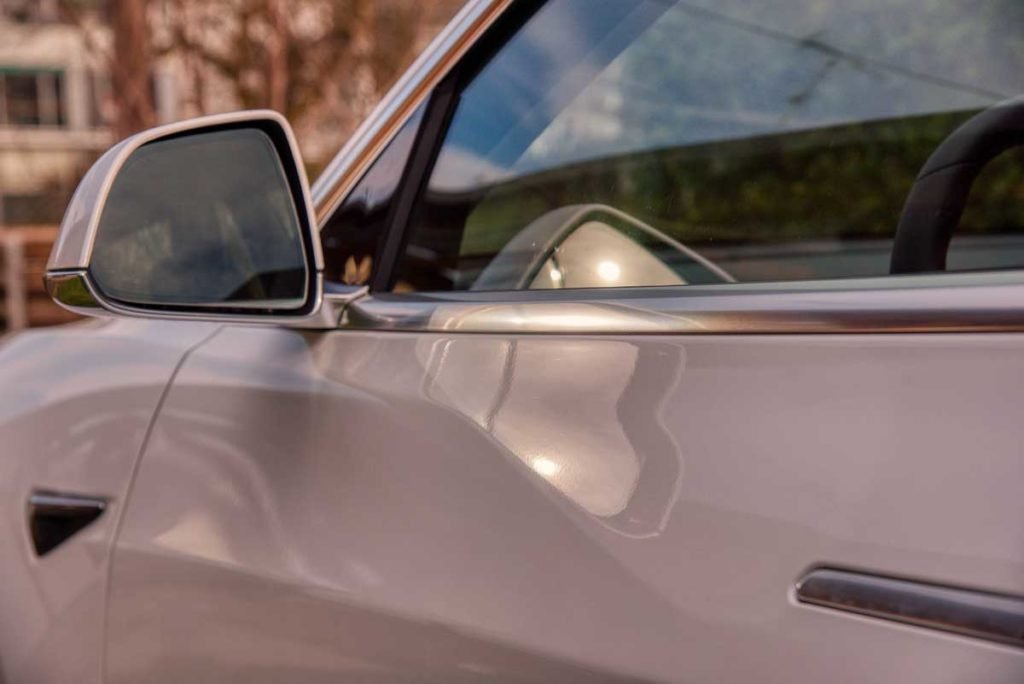
1. Manually Adjust the Mirrors With the Driverside Door Console
You can adjust the side mirrors to the ideal angle by utilizing the driverside door armrest console. First, you’ll need to locate the multi-direction touchpad and the three mirror selection buttons directly above it.
Afterward, you can select the leftmost mirror button (driverside) and use the directional touchpad to adjust the mirror’s angle. You can do the same for the passenger-side mirror by selecting the rightmost mirror button and depressing the multi-direction touchpad.
If you’d like to fold the mirrors inward toward your car, you’ll want to touch the middle mirror button located directly above the multi-direction armrest touchpad. Pressing this button again will deploy the side mirrors.
By the way, I wrote a somewhat related article called: “Tesla Mirrors – Adjustments, Fixes, and Features. I thought you might find some additional info. Check it out when you’re done here. Additionally, if you’re looking for more insights on optimizing your driving experience, be sure to explore the section on Tesla Model S steering wheel tips. These tips can enhance your control and comfort, making every ride more enjoyable. Don’t miss out on these helpful suggestions that can elevate your Tesla experience to the next level.
However, you should keep in mind that when using the middle driverside console button to fold the mirrors, they won’t unfold until you manually press the button again. The only exception is if your driving speed exceeds the 50km/hr (or 31 miles/hr) mark, the mirrors unfold automatically.
Are you looking for a simple how-to guide for adjusting mirrors manually? If so, be sure to check out this quick breakdown on how to adjust mirrors using the driverside door console:
2. Set Up Automatic Mirror Folding
You can also make the mirrors fold automatically when the car is locked. All you need to do is select Controls on the touchscreen, then select Vehicle. From there, select the Mirror Auto-Fold feature to enable it. Once you unlock the car, the mirrors fold back out.
You can also enable location-based mirror folding that makes it easier to pull your Tesla Model S into tight spaces, like your personal home garage. To do this, you’ll need to select the Controls menu on the center console touch screen and select Vehicle.
After that, select the Always Fold Mirrors at this Location feature to enable it. If you activate this option, the side mirrors of your Tesla will automatically fold once you are about 25 feet (7.62 meters) from your garage.
| Adjustment Method and Type | Steps to Take | How to Undo |
| Manual – Adjustment | 1. Locate the multi-directional touchpad and three mirror adjustment buttons on the driverside armrest console 2. Select a mirror to adjust by depressing either the leftmost mirror button (driverside) or the rightmost mirror button (passenger) 3. Use the directional touchpad to adjust side mirrors | Re-adjust the side mirrors by using the driverside armrest console controls |
| Manual – Folding | 1. Locate the multi-directional touchpad and three mirror adjustment buttons on the driverside armrest console 2. Press the center mirror button (located directly above the directional touchpad) to fold mirrors | Press the center mirror button on the driverside armrest console |
| Automatic – Folding (When Locked) | 1. Find the Controls menu on the center console touchscreen 2. Select the Controls menu, then select the Vehicle submenu 3. Select the Mirror Auto-Fold feature | Select the Controls menu on the center console touchscreen, then select the Vehicle submenu and deselect the Mirror Auto-Fold feature |
| Automatic – Folding (Location-Based) | 1. Find the Controls menu on the center console touchscreen 2. Select the Controls menu, then select the Vehicle submenu 3. Select the Always Fold Mirrors at this Location feature | Select the Controls menu on the center console touchscreen, then select the Vehicle submenu and deselect the Always Fold Mirrors at this Location feature |
Frequently Asked Questions
Below, you’ll find the answers to some of the most frequently asked questions regarding how to retract and adjust Tesla Model S side mirrors.
Can You Auto-Tilt Side Mirrors in Tesla Model S When Reversing?
How To Adjust The Rear-View Mirror in Tesla Model S?
While the side view mirrors of your Tesla Model S are pretty high-tech and can be controlled automatically, the same can’t be said for the rear-view mirror.